Image to Animation AI
Image animation ideas you can create
Use these placeholders as the future slots for real image-to-animation examples, from portraits to product motion.
Turn a still image into a moving video
Image to Animation AI connects one source image with prompt-driven video generation, so the original visual stays recognizable while motion, camera, and atmosphere are added around it.
Start with one image
Upload a product photo, portrait, artwork, old photo, or concept image as the visual anchor.
Describe the motion
Tell the AI what should move: camera push, subject gesture, fabric, water, light, or background.
Export a video result
Generate a short animated clip you can preview, download, and reuse in creative workflows.
Image to Animation AI features for real creation
The homepage content is built around the Image to Animation AI keyword: upload a picture, control motion with text, and produce a usable animated video.
Image-guided video generation
Keep the uploaded image as the visual source while the model adds motion and timing around it.
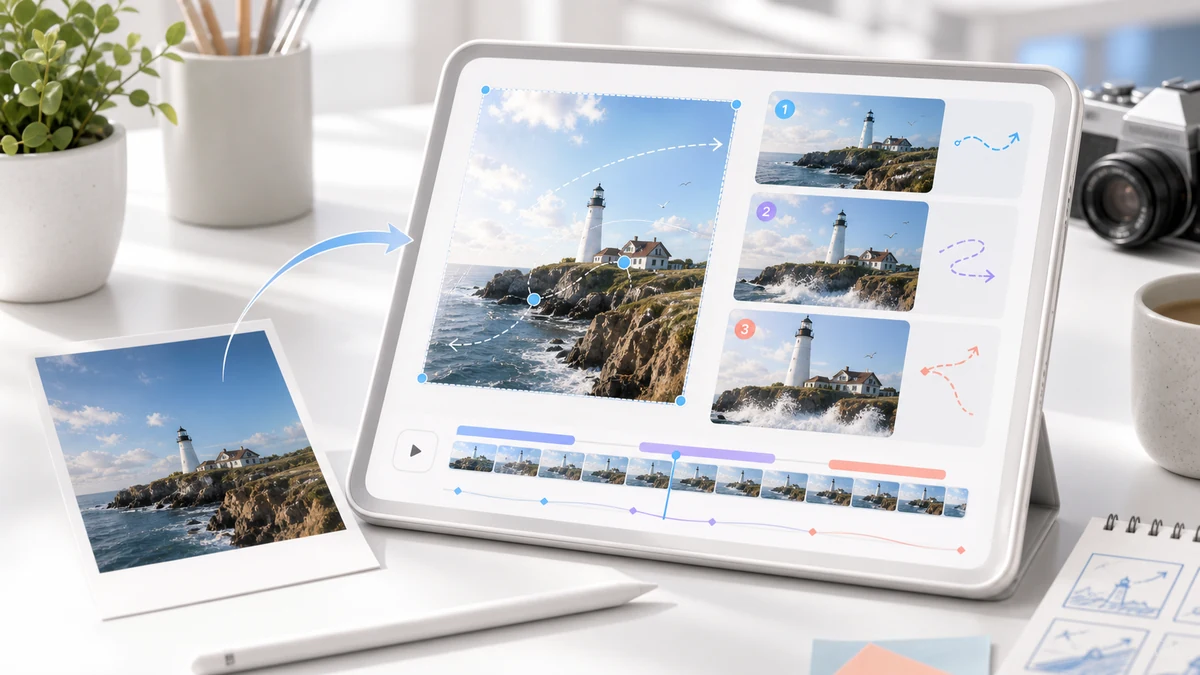
Prompt-controlled movement
Use plain language to control camera motion, subject movement, lighting, atmosphere, and style.
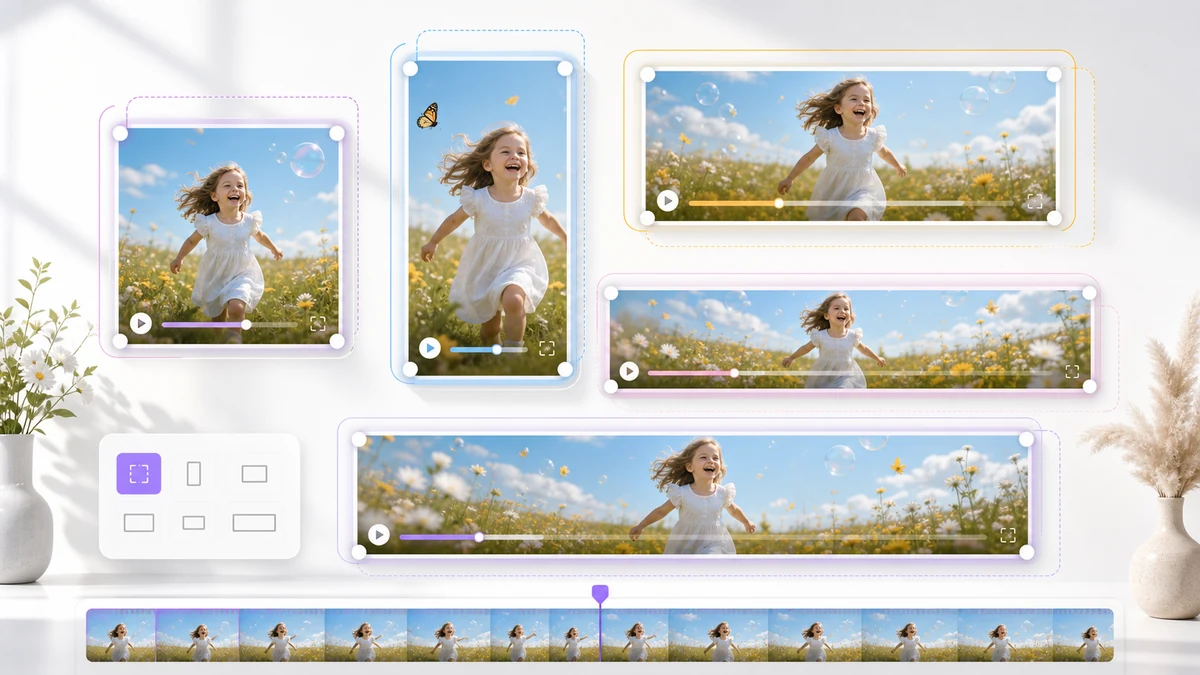
Multiple video ratios
Choose square, landscape, or vertical formats for web pages, ads, Shorts, Reels, and TikTok.
Short-form content ready
Create compact clips for social campaigns, creator posts, product previews, and visual tests.
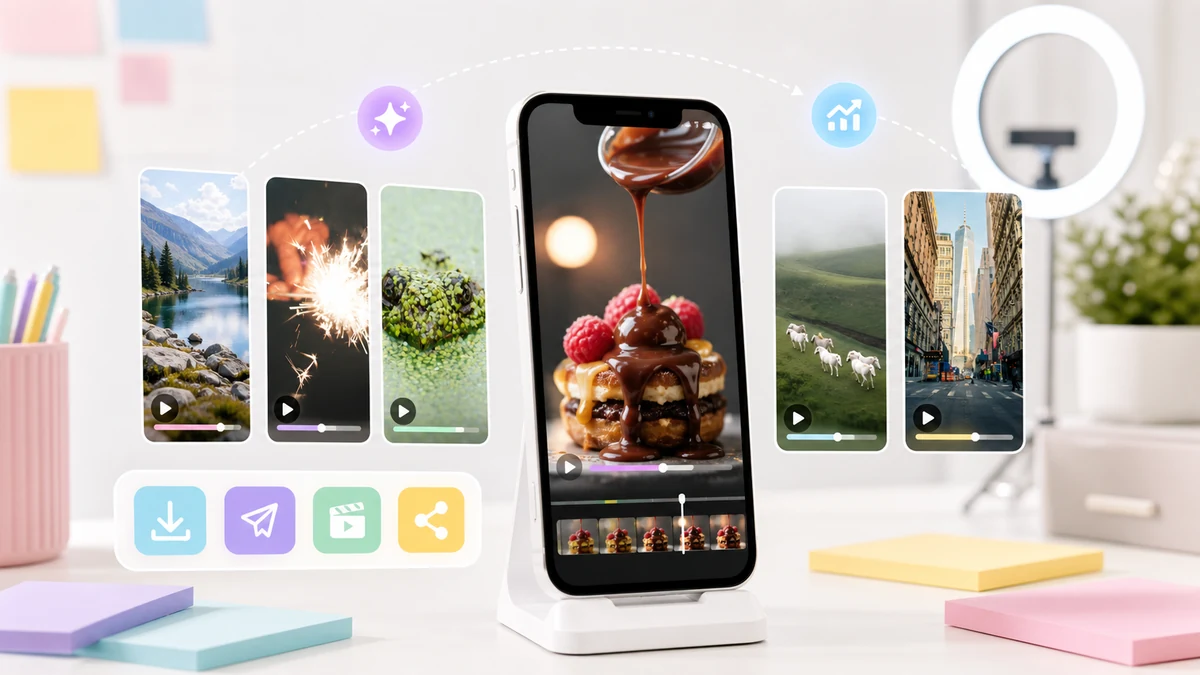
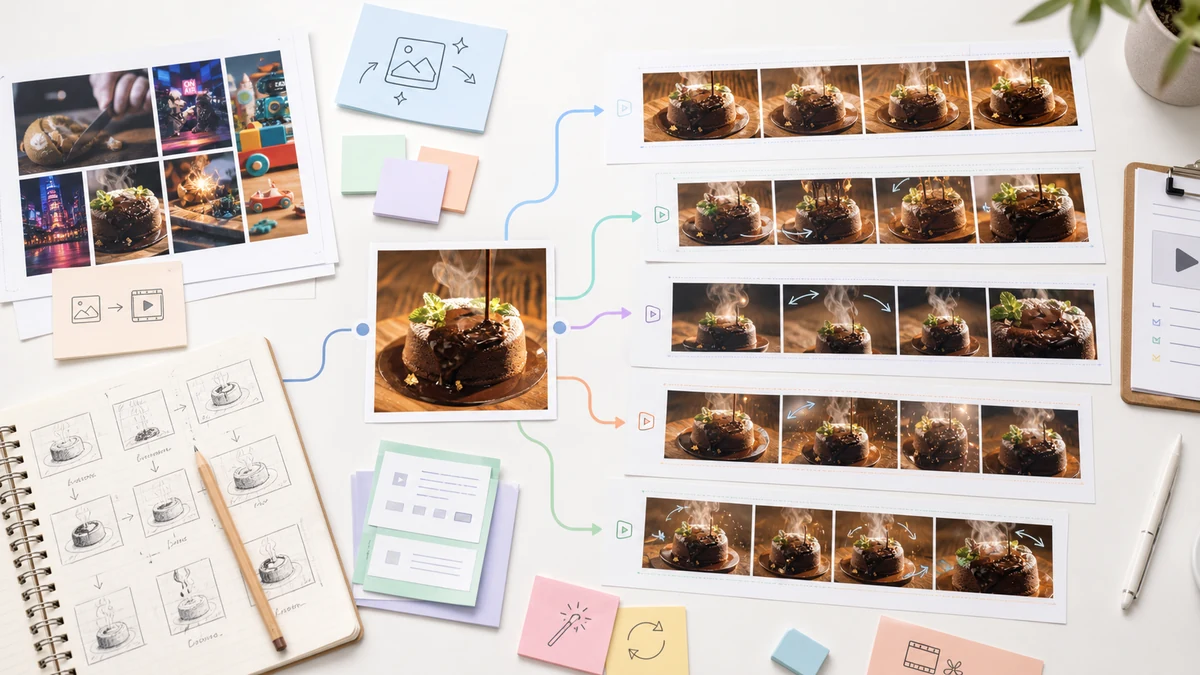
Fast creative iteration
Try several motion prompts against the same image before deciding which direction works best.
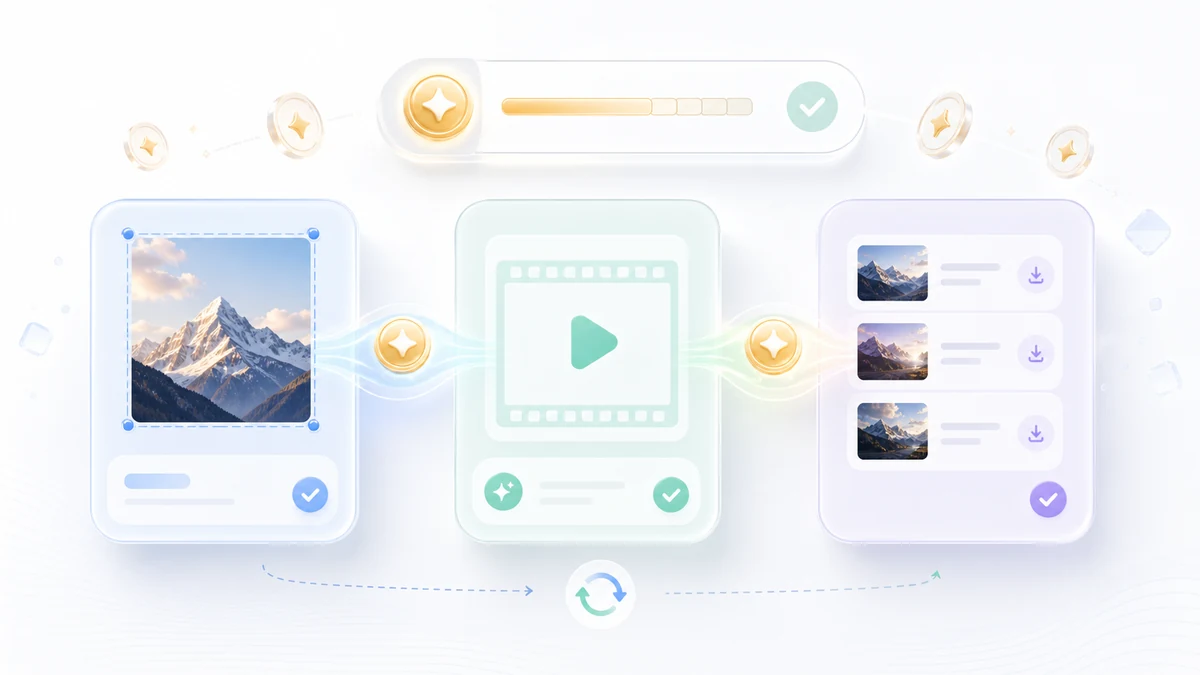
One credit workflow
Use the same account and credit system already used across eligible generation tools.
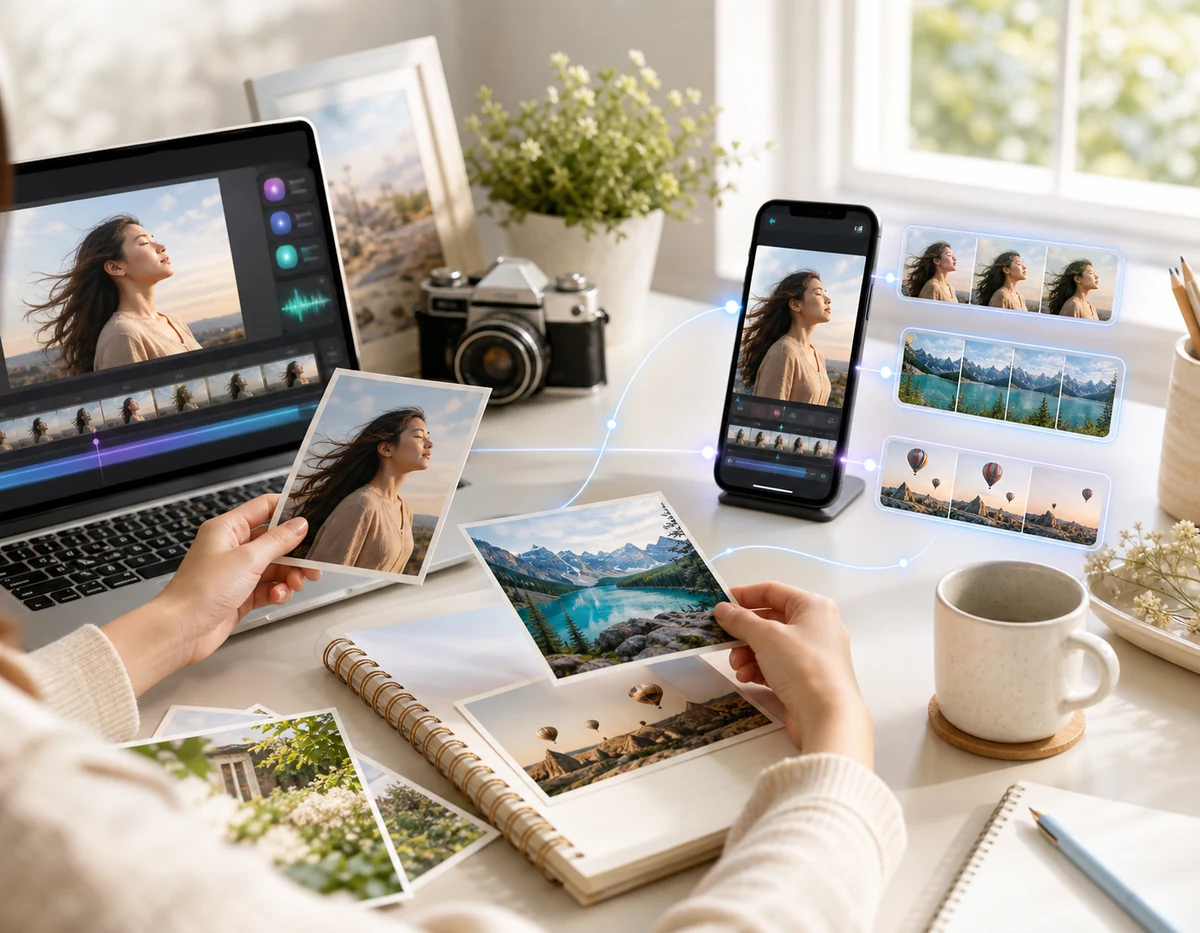
Built for creators who need motion from one image
Image to Animation AI is useful when you already have the right picture but need a moving version for distribution.
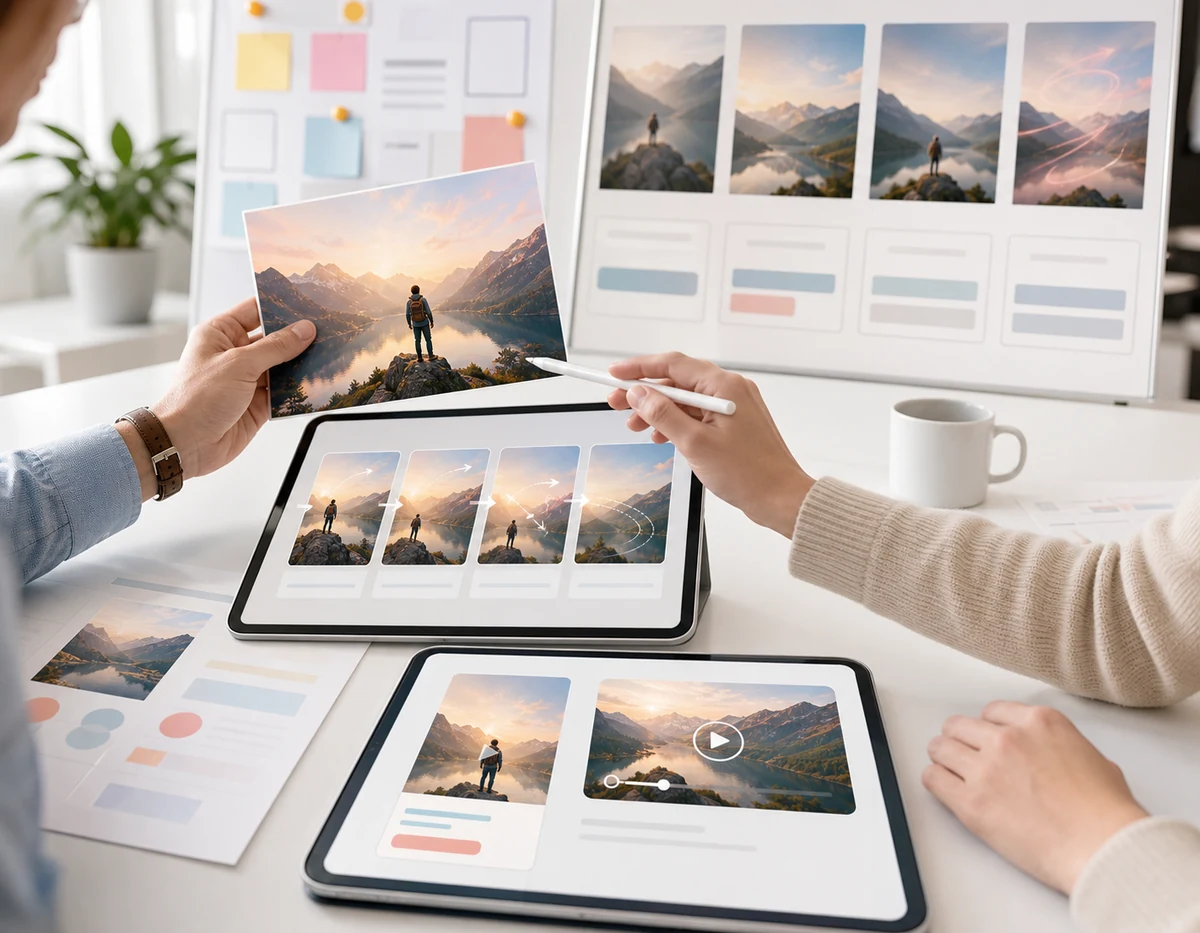
Creators
Make scroll-stopping short clips
Animate portraits, travel shots, lifestyle photos, and concept images for social channels without opening a timeline editor.
Marketing
Turn campaign images into video assets
Convert static ad images into lightweight motion concepts for landing pages, paid ads, and launch posts.
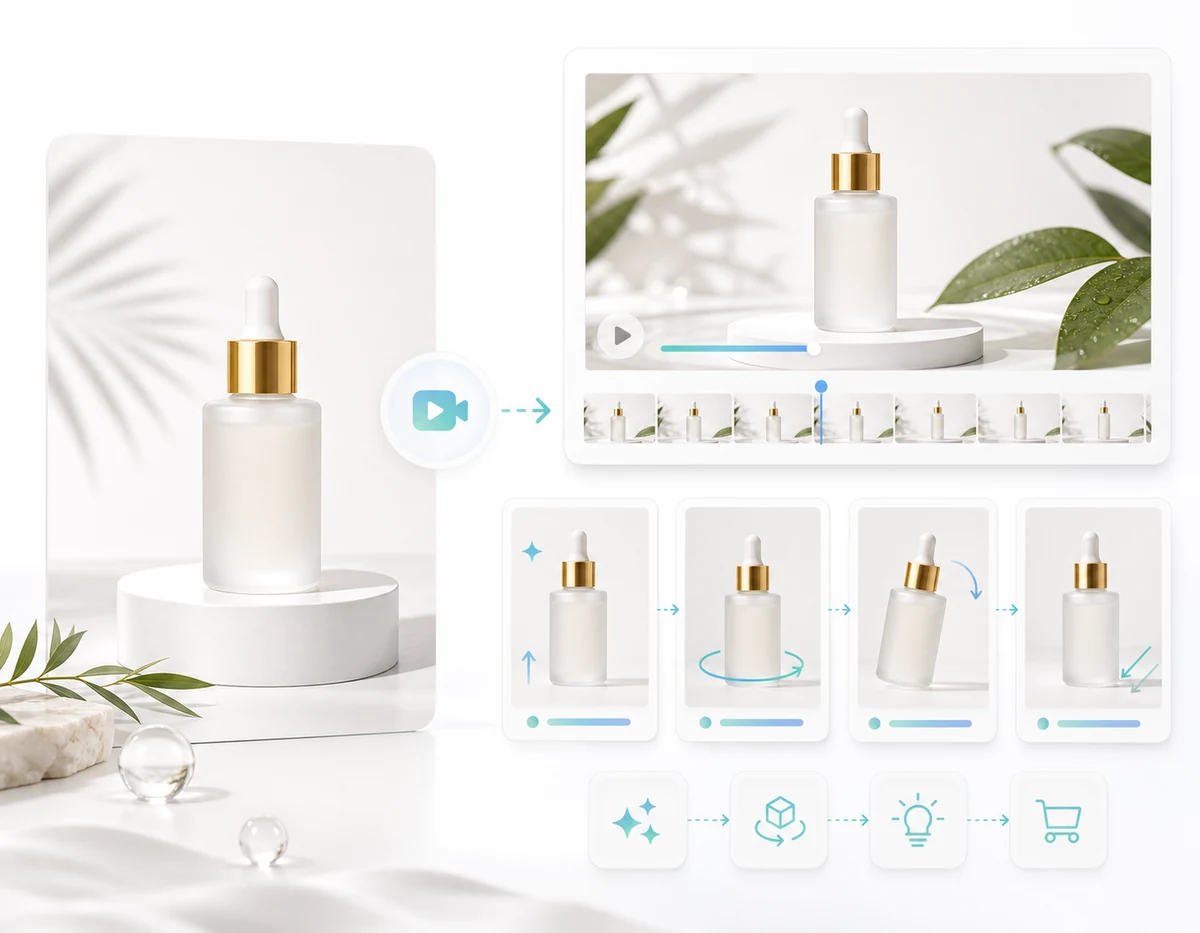
Ecommerce
Create product motion previews
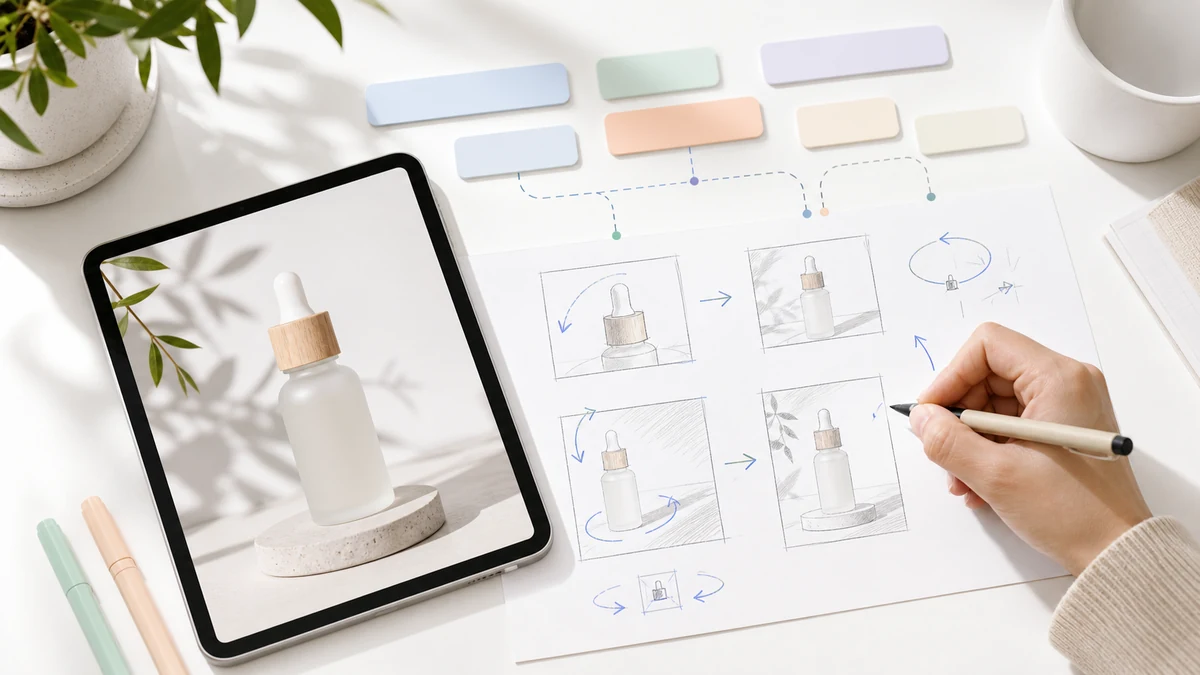
Use a product image as the base and generate simple reveal, rotation, lighting, or lifestyle movement.
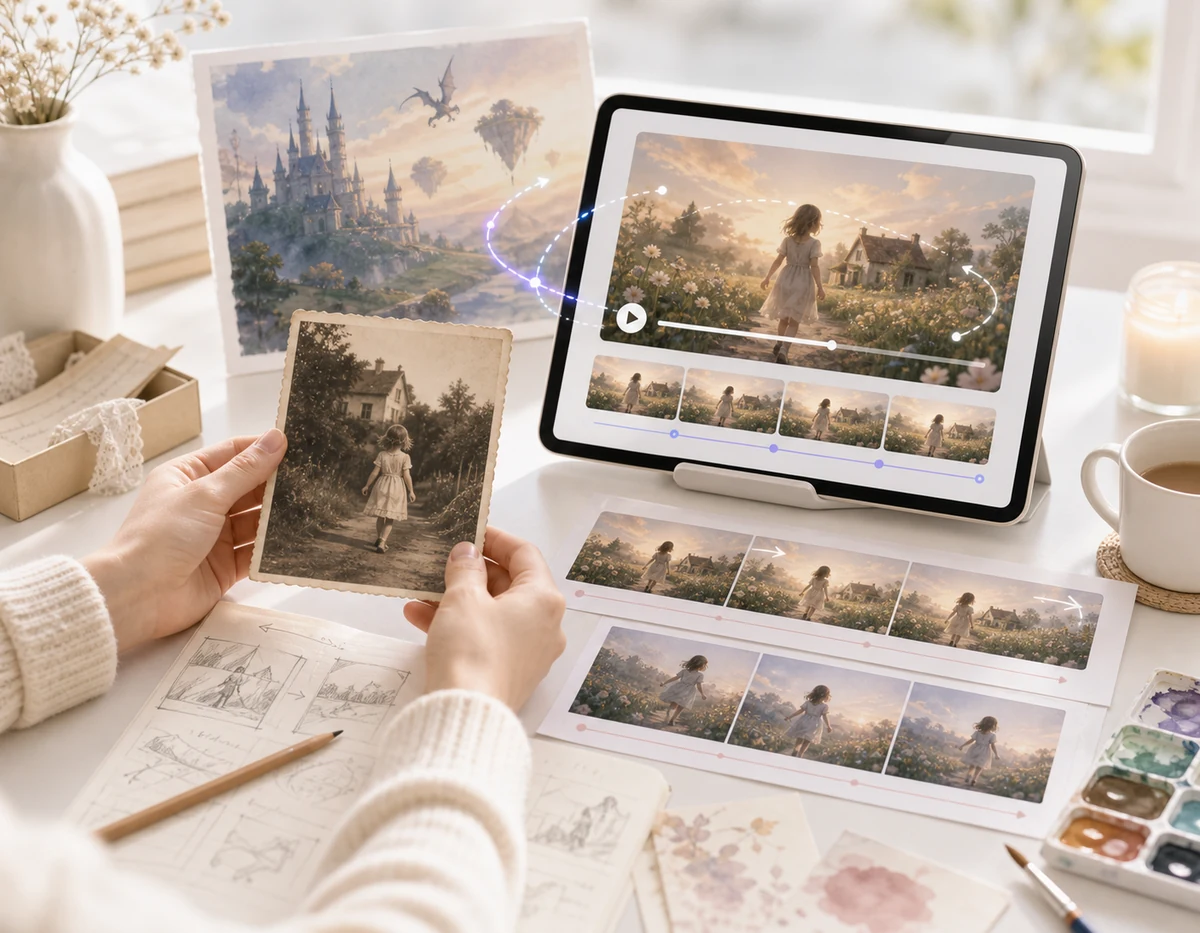
Storytelling
Bring scenes and old photos to life
Add atmospheric camera motion to archive images, fantasy art, travel scenes, and narrative visuals.
How to use Image to Animation AI
The workflow stays simple: upload the picture, describe motion, then generate the animated video.
1
Upload your image
Choose the image you want to animate and use it as the visual reference for generation.
2
Describe the animation
Write the motion prompt and pick model, duration, aspect ratio, and resolution controls.
3
Generate and download
Create the video, preview the result, and download it for social, ads, pages, or drafts.
Flexible pricing built around credits
Start free, then choose the subscription that matches how many credits you need each month.
Free
$0/mo
A simple way to explore the platform before moving to a paid plan.
Included
- 20 credits when you sign up
- Use credits across eligible tools and workflows
- Basic access to core product features
- A clear way to test how credits fit your workflow
- Same benefits on monthly and yearly views
Create an account to claim your 20 free credits.
Pro
Popular
$15/mo
For individuals and small teams that need a steady monthly credit budget.
Included
- 1000 credits every month
- Monthly billing at $15
- A predictable credit supply for ongoing work
- Built for regular production across multiple use cases
- Standard support
A strong fit for consistent monthly usage.
Max
$30/mo
For high-volume users who want more credits every month with room to scale.
Included
- 3000 credits every month
- Monthly billing at $30
- More room for parallel projects and heavy usage
- Lower effective cost per credit than Pro
- Priority support
Best for power users with ongoing credit demand.
Frequently asked questions about Image to Animation AI
Common questions about turning a still image into an animated video.
1
What is Image to Animation AI?
Image to Animation AI is a generation workflow that uses your uploaded image as a reference and creates a short animated video from a text prompt.
2
What kind of images can I animate?
You can use portraits, product photos, old photos, illustrations, concept art, landscapes, and social images as long as the file is suitable for upload.
3
Do I need video editing skills?
No. The generator is designed around upload, prompt, model controls, and download, so you can test image animation ideas without a timeline editor.
4
Can I control how the image moves?
Yes. Use the prompt to describe camera movement, subject motion, lighting changes, background atmosphere, and the style of the animation.
5
Can I make vertical image animations for social media?
Yes. Choose a vertical aspect ratio when you want output for Reels, TikTok, Shorts, stories, or mobile-first ads.
6
How is this different from an AI image generator?
An AI image generator creates still images. Image to Animation AI starts from a still image and generates a moving video version from it.
Start creating with Image to Animation AI
Use one image and one motion prompt to create an animated video for campaigns, social posts, product previews, and story concepts.